

Staggered Fitment Support lets customers buy a set of tires with different front and rear sizes on your website. High-performance and luxury cars often take different sizes front and rear.
How it works for your customers
- The customer enters their vehicle in your website’s tire finder.
- If the vehicle takes different front and rear sizes, a prompt appears.
- The customer confirms the Front size and the Rear size.
- The customer selects a location, if asked, and clicks Search.
- On the results page, View Staggered Set appears for a tire model that has enough stock for a full set of four: two front and two rear.
- The customer clicks View Staggered Set. A confirmation screen lists both sizes.
- The customer adds the full set to the cart and checks out.
Complete sets only
On the results page, Complete staggered sets only sits at the top of Filters for Your Tires. It starts selected. On a phone, the customer taps Filter Results to open the filters.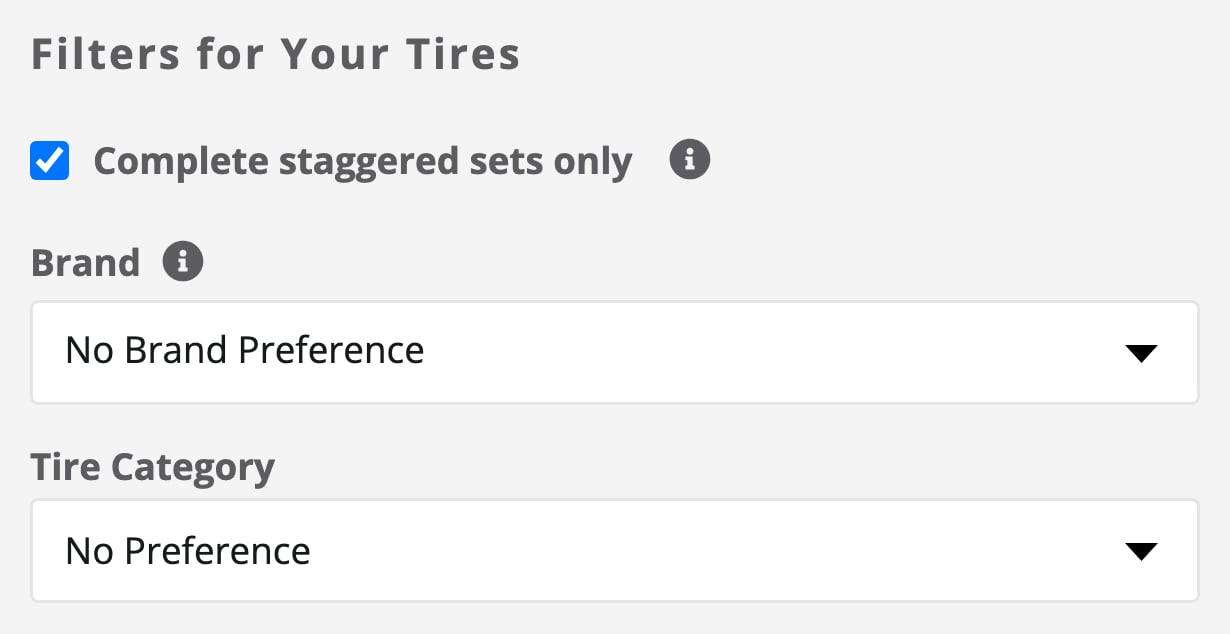
Complete staggered sets only, selected, at the top of the results page filters.