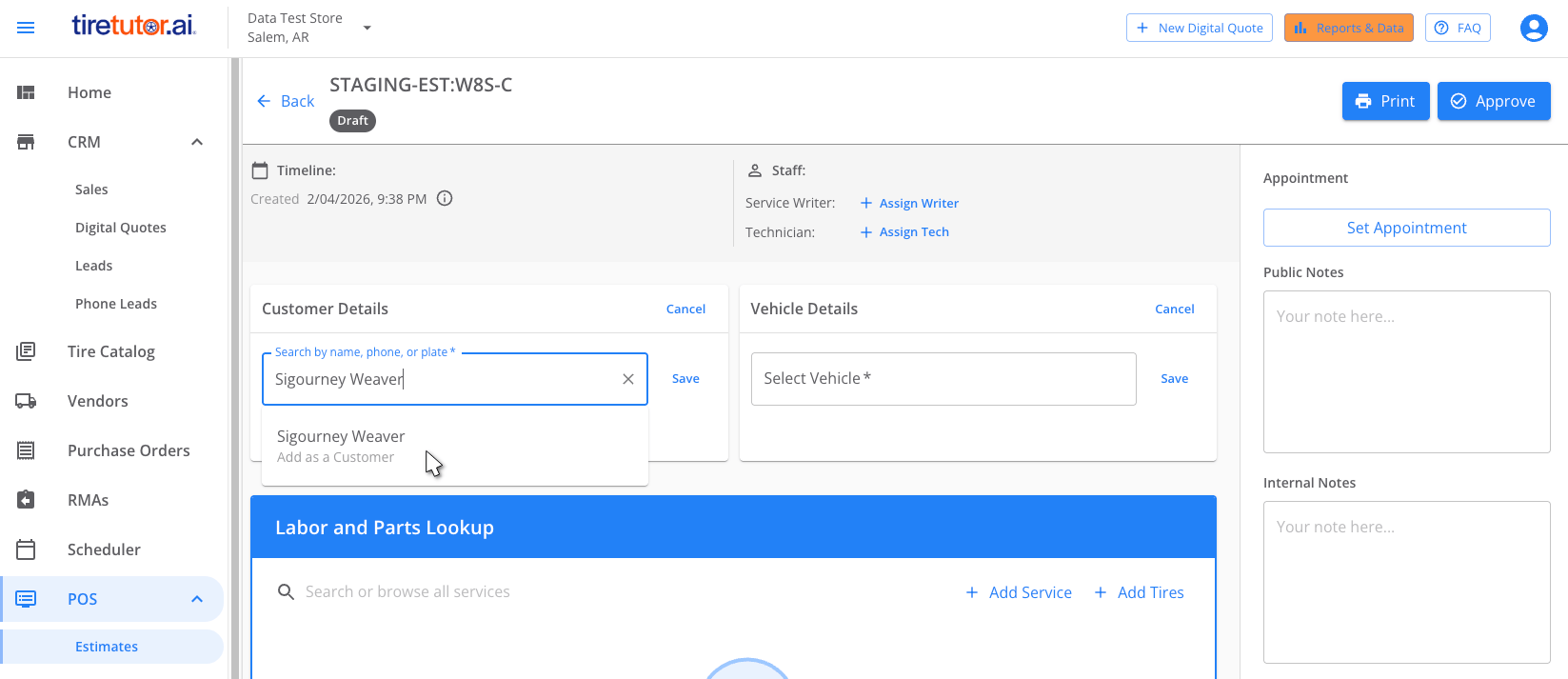
- Create a new estimate or work order.
- Click the Customer Details section.
- Type the customer’s name.
- Click Add as a Customer.
- Fill in the customer’s phone number and email address.
- Choose whether the customer gets Google review requests by default.
- Click Save. The customer is now in your CRM.