

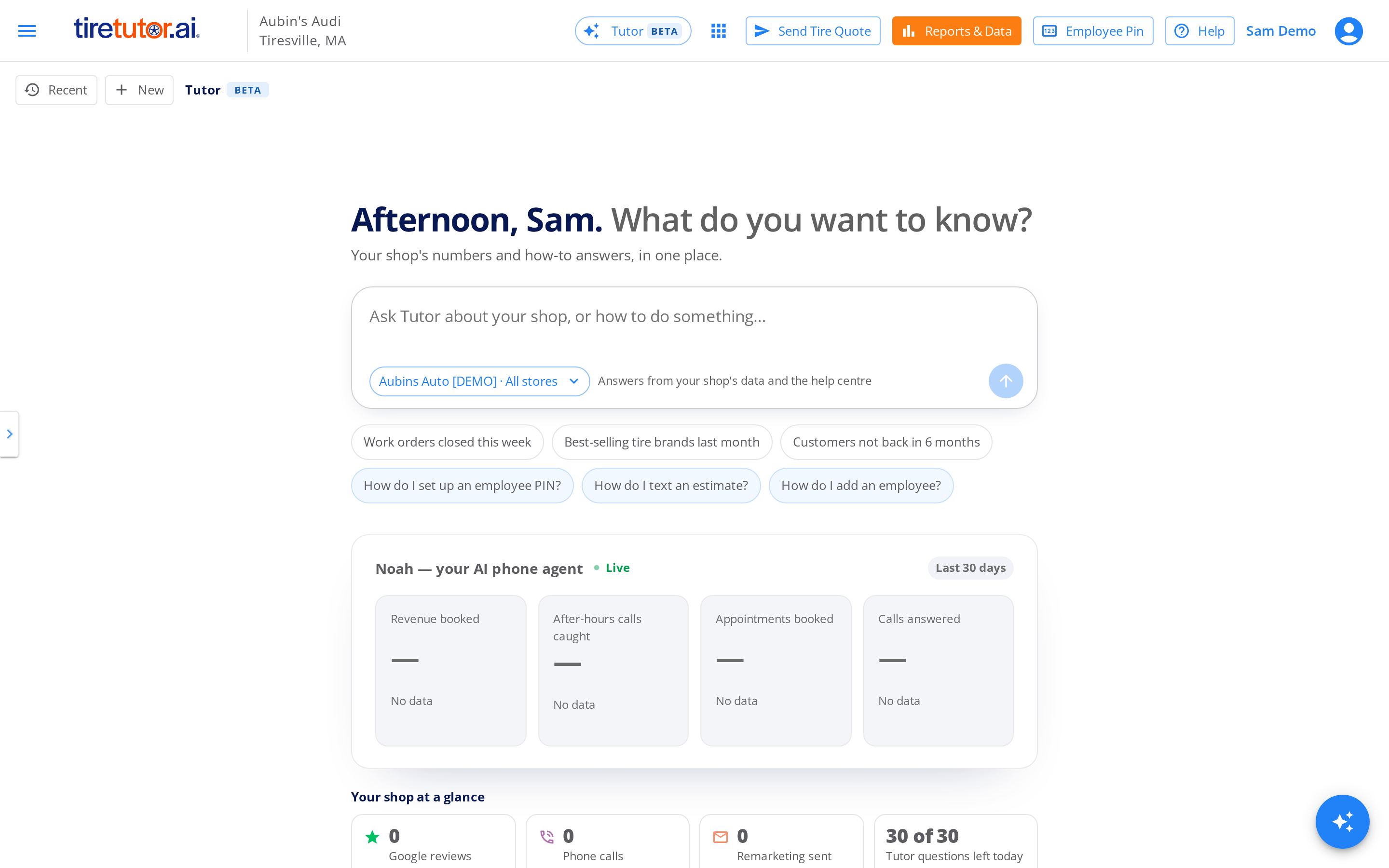
Tutor is your TireTutor home page.
What Tutor answers
- Your numbers. Work orders, revenue, average ticket, services, customers and more, for the dates you ask about.
- How to do something in TireTutor. Tutor answers from the Help Center, and links to the help page it used. When that page has a video, open the link to watch it.
- Follow-up questions. Ask “why?” or “and last month?” in the same chat. Tutor reads its earlier answers.
- Charts. For a trend or a top-10 list, Tutor often draws a chart above the answer.
What Tutor sees
Tutor reads only your dealership’s data. It never shows you another dealership’s numbers, and no other dealership sees yours. If your account covers some of your stores and not others, Tutor answers only for the stores you can see.Your chats are yours
No one else at your dealership sees your chats. Other users there see only their own chats, and you never see theirs. To find an earlier chat, select Recent on your home page.Questions per day
Your dealership can ask Tutor 30 questions a day. Everyone at your dealership shares those 30. A card on your home page shows how many are left. The count resets overnight (midnight Central time).Check the numbers that matter
AI answers can contain mistakes. Check an important number the way you check a report. Under each answer, select thumbs up when it is right, or thumbs down when it is wrong. Your rating helps us fix wrong answers.Talk to a person
At the bottom of Tutor, select Talk to our team. You can call TireTutor support, send us a message, or open the Help Center.Where to go next
Getting started
Ask Tutor your first question, rate the answer, and get a better answer.