

Your daily spend cannot rise above your current balance. To spend more per
day, let the next top-up land first.
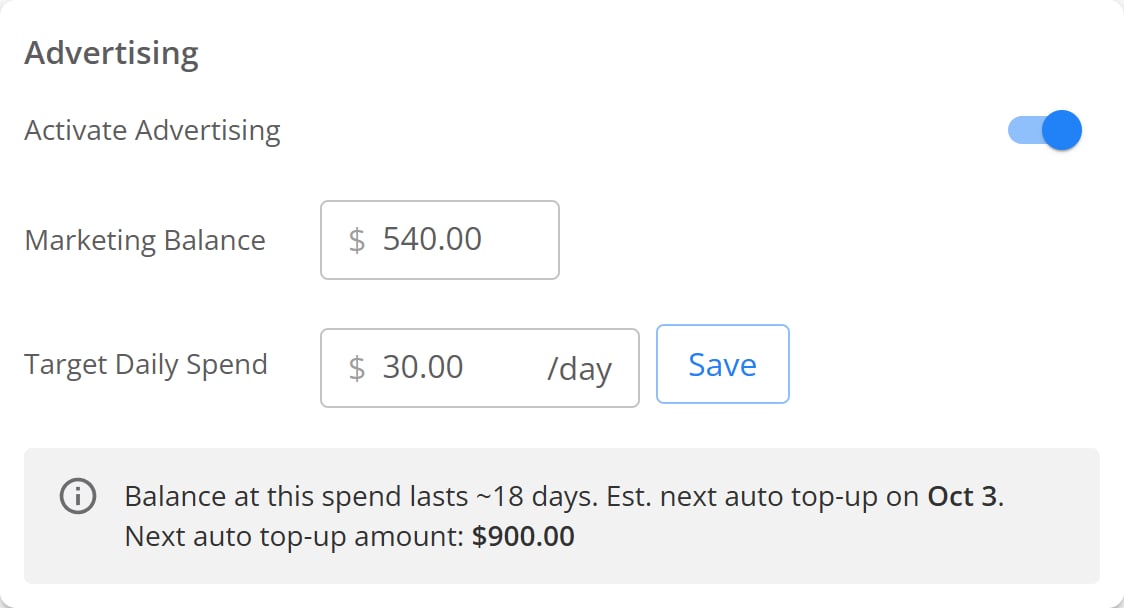
The Advertising panel with advertising on, a $540.00 balance, and a $30.00 daily spend.
Change your daily spend
1
Open the Advertising panel
In your TireTutor dashboard, open Marketing, then AI Marketing
Agent.
2
Enter the new amount
Type the amount in Target Daily Spend. The field holds you to the
lowest and highest daily spend TireTutor allows.
3
Save it
Select Save. A message confirms the change.
Pause or restart your ads
Turn the Activate Advertising switch off. An alert then appears in the panel to confirm the pause. To start again, turn the switch back on, or select Enable Advertising in that alert.Check your ad balance
Marketing Balance shows the funds you hold for ads. When your balance covers fewer than 21 days at your current rate, the panel warns you. It names the days left, the date of your next top-up, and its amount. The top-up charges 30 times your daily spend.Choose what your ads bring in
Two sliders set your goals. They are the same two settings you chose during setup, under the names the dashboard uses:- Goal of Customer Action moves between tires and services. You set this as Preferred Sales Type during setup.
- Preferred Conversion Type moves between phone calls and online. You set this as Preferred Contact during setup.
Check whether your ads are running
Marketing Status carries one row per part of your setup. Each row shows a mark.What each mark means
What a red cross means on each row
Selecting the Ads Approved row opens Ads with Issues. It lists each ad
Google stopped, and the reason. A grey pause mark on that row means you have no
active ads at all.
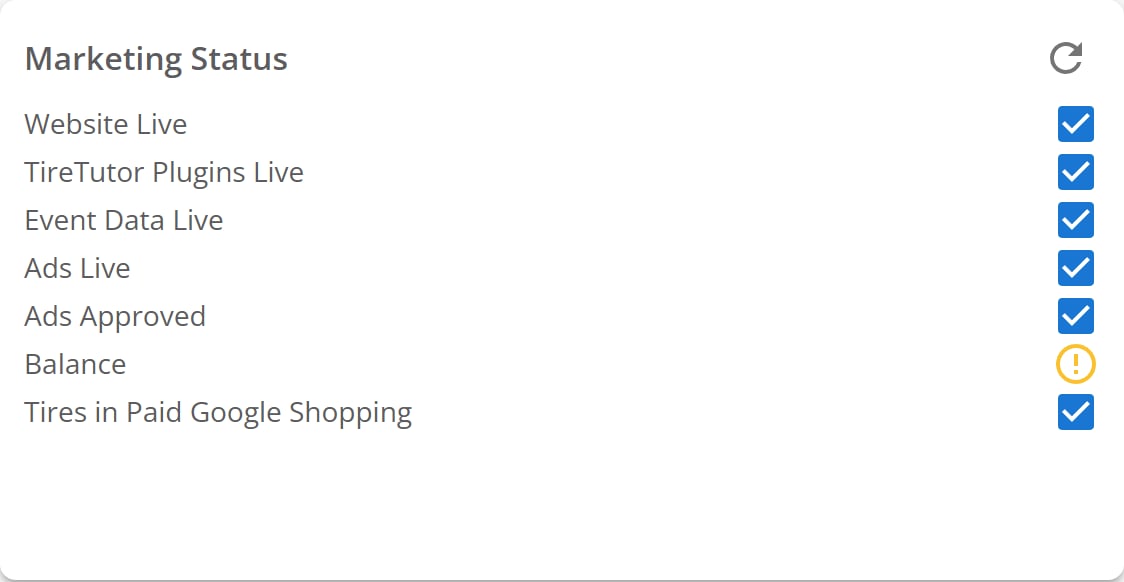
The Marketing Status panel with all seven rows. Six rows show a blue tick, and Balance shows a yellow warning.
If it doesn’t work
Saving your daily spend returns an error. The amount is too low once the platform fee comes out of it. Raise it and save again. A row stays red after you fix it. The panel refreshes every five minutes. Select the refresh icon to check again. Every status row looks healthy but nothing spends. Check the Activate Advertising switch and your balance. Hover Ads Approved to see whether Google paused part of your account. Contact support if all three look right. ROI Analytics shows “No analytics available”. Each shop gets its own report, so one shop can work while another shows nothing. Contact support and name the shop you were looking at. Anything else. Contact support.Where to go next
Overview
What the agent does for your shop, and what it costs.
Getting started
The five steps of setup, from sign-up to the website tag.