

Before you start
You need Owner or Admin access for your dealership or for the store. If you do not have it, ask an Owner or Admin to turn on CARFAX. Get the full names of the store’s business contact and technical contact. As soon as CARFAX is on, you need the vehicle’s VIN, Mileage In, and Mileage Out to complete a work order. See Record the VIN and mileage.What TireTutor shares with CARFAX
When you turn on CARFAX, TireTutor sends CARFAX the store’s details and the two contact names. It also sends the store’s past completed work orders that have a VIN. This happens within a day. After that, TireTutor sends each day’s completed work orders.Turn on CARFAX for a store
Open Settings → Integrations. Each store has its own section. Find the CARFAX panel in your store’s section.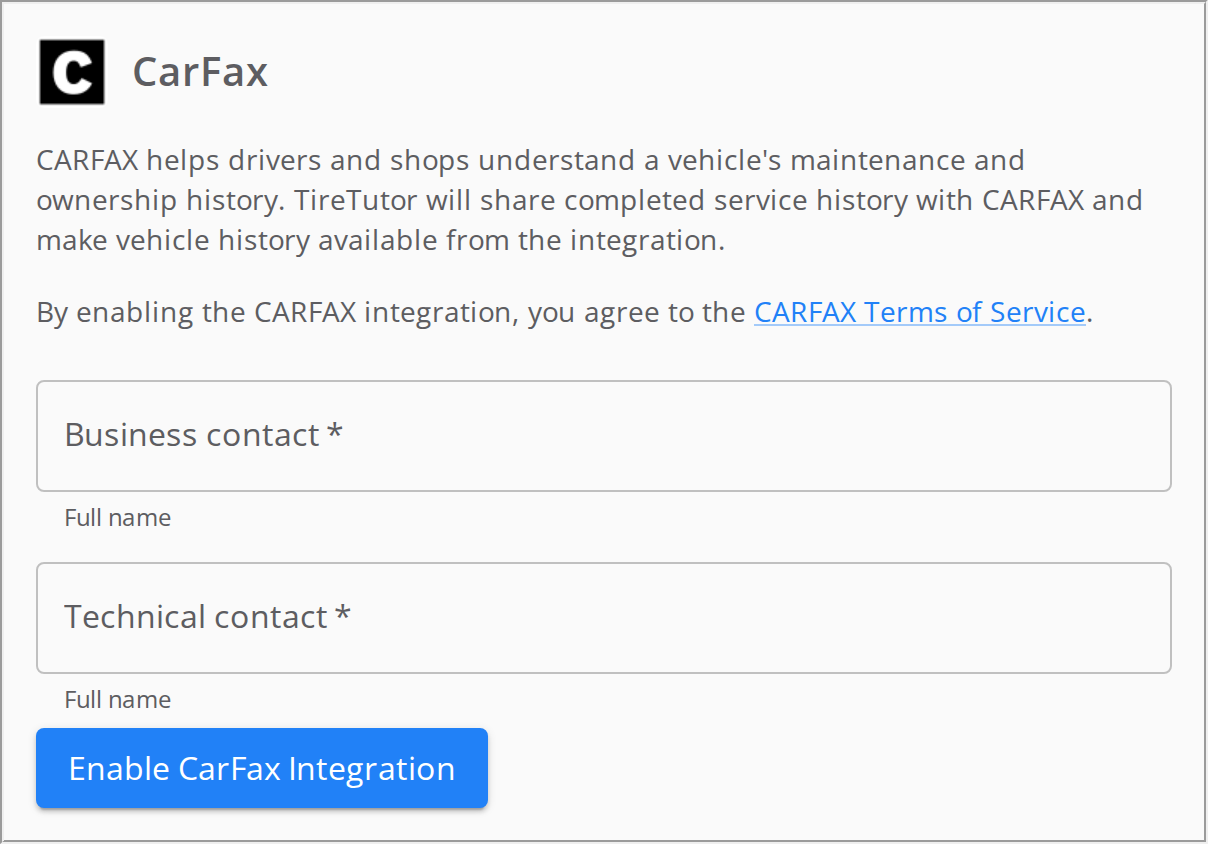
The CARFAX panel before you turn on CARFAX. Both contact names are required.
1
Read the CARFAX terms
Select CARFAX Terms of Service. You agree to these terms when you turn on CARFAX.
2
Add the business contact
Type the person’s full name in Business contact.
3
Add the technical contact
Type the person’s full name in Technical contact.
4
Turn on CARFAX
Select Enable CARFAX Integration.
Check that CARFAX is on
The CARFAX panel shows CARFAX integration is enabled. Please allow at least 24 hours after enabling CARFAX before the service becomes available. The button under the contacts changes to Save contacts.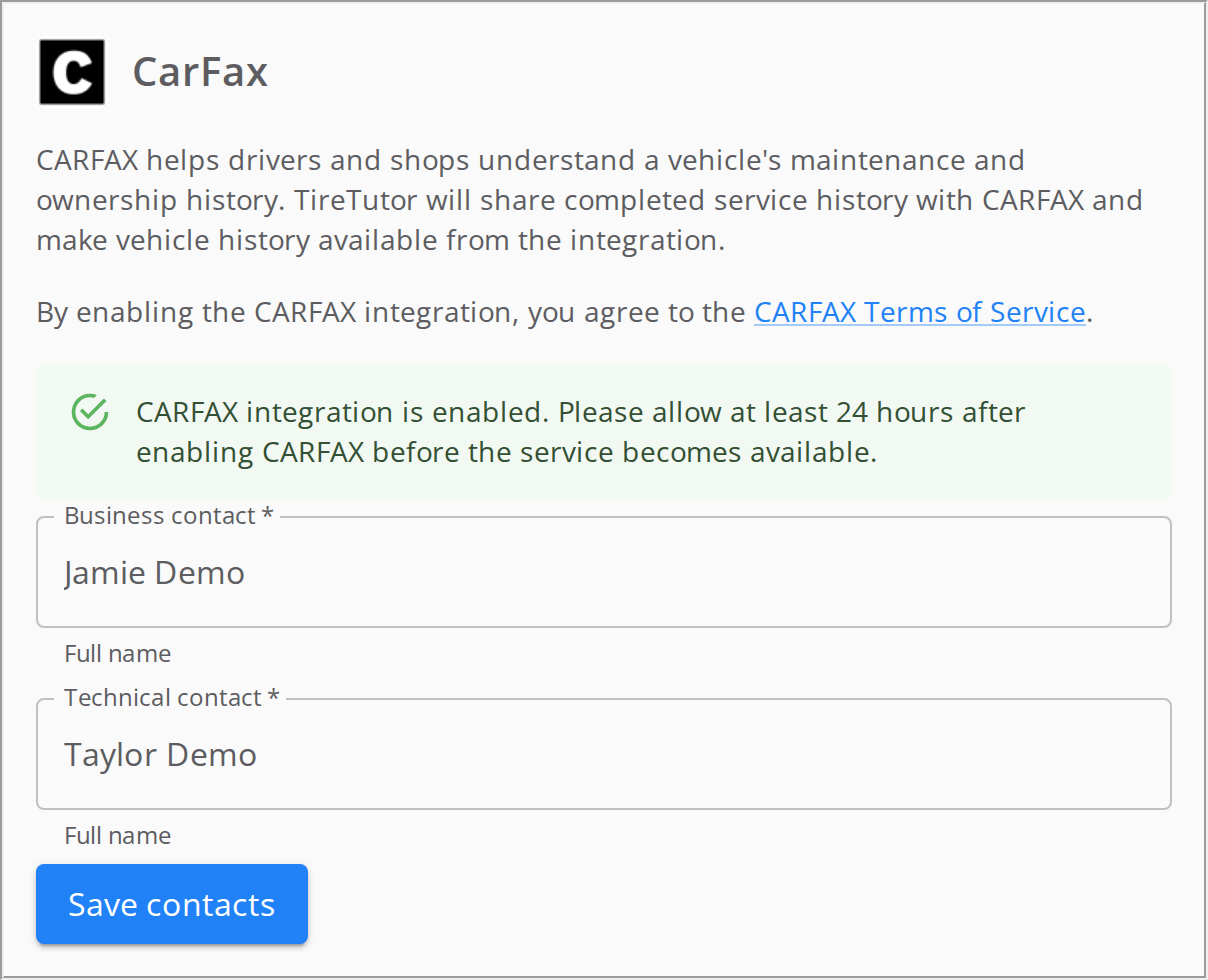
The CARFAX panel after you turn on CARFAX. The contact names are demo data.
Each store you turned on shows the green message in its CARFAX panel.
Waiting 24 hours is not enough to start license plate lookup. CARFAX authorizes the store after TireTutor sends it a completed work order that has a VIN. Past work orders count. If the store has none yet, complete one. Until plate lookup works, use Search by VIN.
Change a CARFAX contact
1
Type the new name
In the store’s CARFAX panel, type the new full name in Business contact or Technical contact.
2
Save the change
Select Save contacts.
Record the VIN and mileage before you complete a work order
When CARFAX is on, you need the vehicle’s VIN, Mileage In, and Mileage Out to complete a work order. If one is missing, TireTutor shows VIN, Mileage In, and Mileage Out are required before completing this work order. TireTutor does not accept 0 as a mileage. Delivery orders, and orders with No Vehicle checked, do not need these details. To add the VIN and mileage, see Adding a vehicle.If it doesn’t work
TireTutor says you need Admin or Owner permission. Ask an Owner or Admin to turn on CARFAX. TireTutor says the store is missing required CARFAX fields. CARFAX needs the store’s name, address, city, state, ZIP code, and phone number. Contact support. A contact field shows an error. Type a full name in both Business contact and Technical contact. There is no CARFAX panel. Contact support. There is no See Vehicle History button. It shows only on a work order, for a vehicle with a VIN. If your store has no completed work order with a VIN, complete one. Then check again the next day.Still need help?
Contact support through the contact form, or call 855-400-4521.Where to go next
Adding a vehicle
Look up a vehicle by license plate or VIN on a work order.
Dealer and Store settings
Check your store’s details and phone number.