

Search for a part
1
Open the order
Open the work order or estimate.
2
Find the part row
Find the part that you want to search for.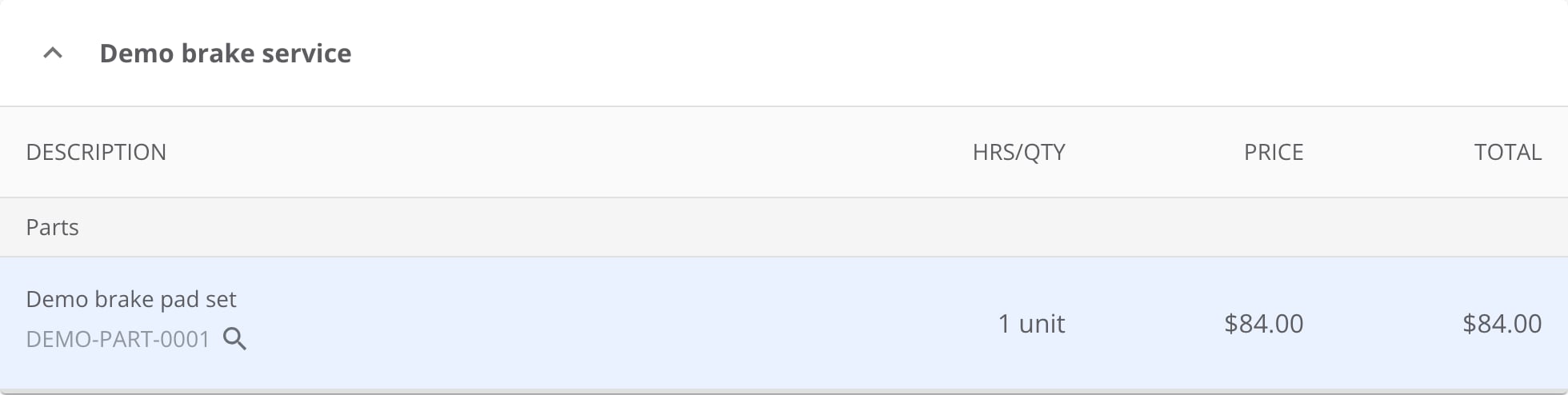
A part row in view mode. The magnifying glass beside the part number is the Amazon search.
3
Open Search Amazon
Select the magnifying-glass icon with the Search Amazon tooltip.
Amazon opens the search results in a separate browser tab.
Where to go next
Ordering parts with PartsTech
Manage PartsTech parts on the work order.
Managing non-catalog tires
Order and sell a tire outside the inventory catalog.