

Connect a distributor to see prices
When your store has no distributor, the banner reads No tire prices yet. Connect a distributor to see your cost, your sell price, and live stock for every tire.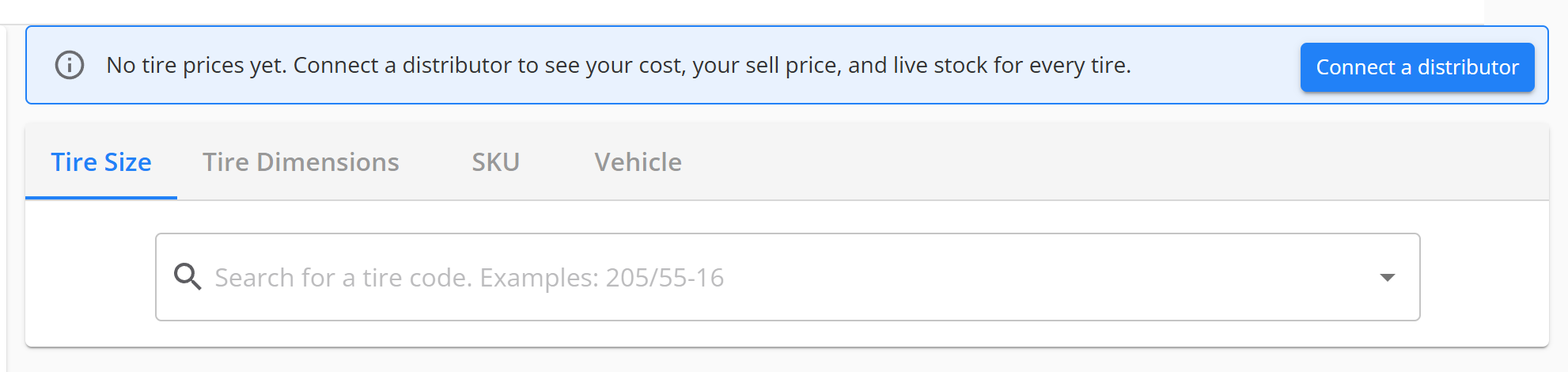
The banner for a store with no distributor.
1
Open the distributor page
In the banner, select Connect a distributor.
2
Connect your distributor
Connect each distributor you buy from. See
Get started with pricing.
Wait for your first prices to load
After a distributor connects, its first prices can take a while to load. Until they finish, the Tire Catalog shows $0 for its tires. The banner reads Your prices are syncing. Real prices replace $0 once the first load finishes.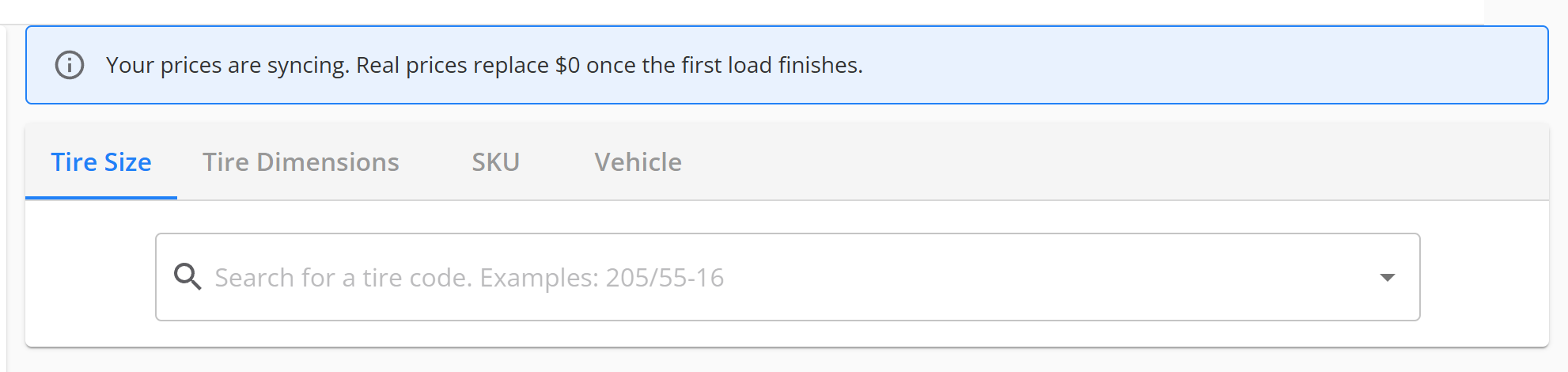
The banner while a distributor's first prices load. It has no button.
How you know it worked
- The banner is gone.
- Each tire shows your cost and your sell price, not $0.
If it doesn’t work
- The banner is gone, and tires still show $0. Contact support. Say which distributor you connected.
Still need help?
Contact support through the contact form, or call 855-400-4521.Where to go next
Get started with pricing
Set up your distributors, brands and custom markups step by step.
How your price is calculated
Follow how your distributor cost turns into the price of a tire.
Find your distributor's tires in the Tire Catalog
See only your distributor’s tires, or remove the filter to see every tire.